Set Up & Data Collection
Download and run the Grafana container. You can get more details about how to do so @DockerHub - Grafana. Or, you can just run the following command:
docker run -d --name=grafana -p 3000:3000 grafana/grafana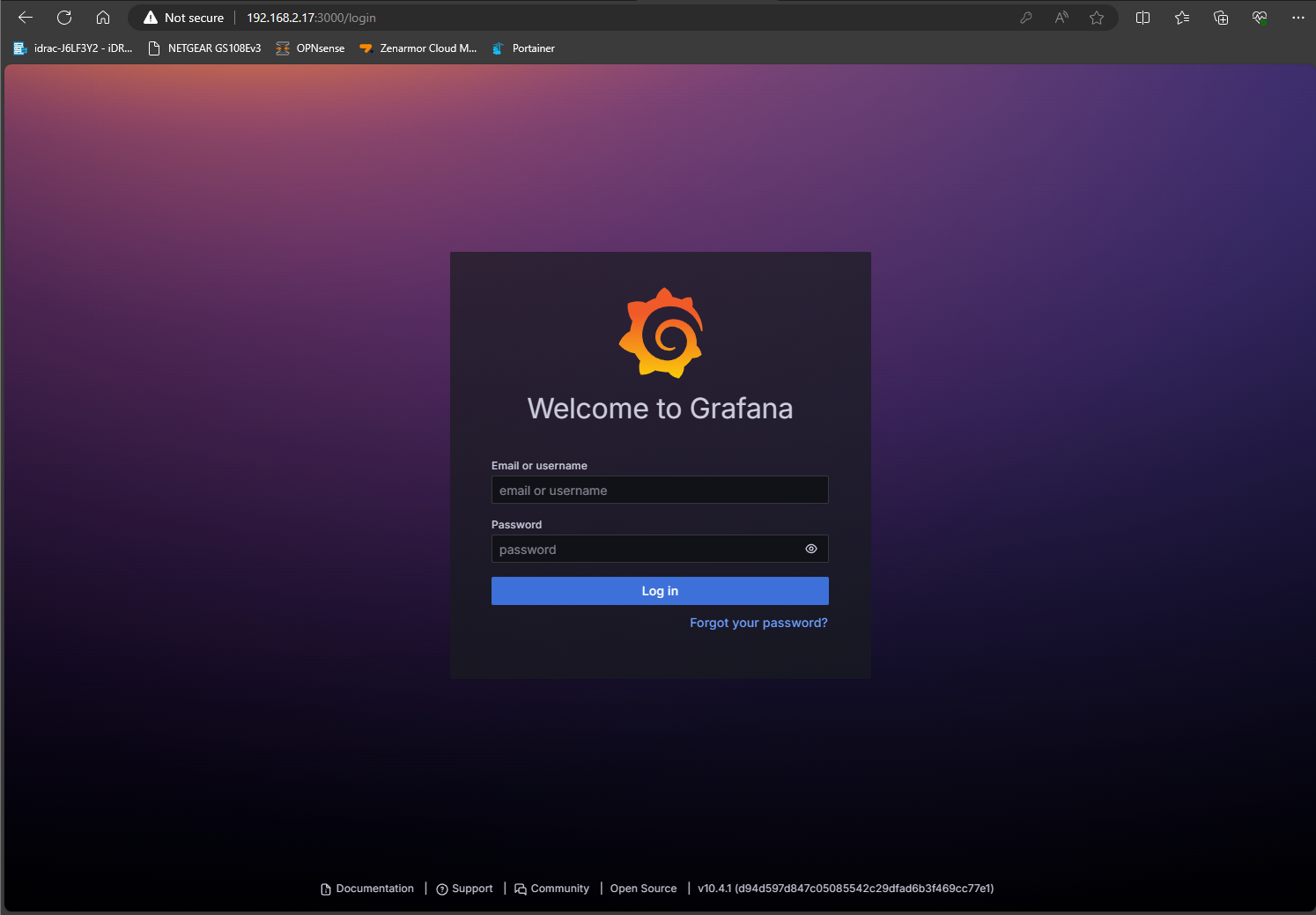

Download and run the Grafana container. You can get more details about how to do so @DockerHub - Grafana. Or, you can just run the following command:
docker run -d --name=grafana -p 3000:3000 grafana/grafana