Active Directory - User Creation
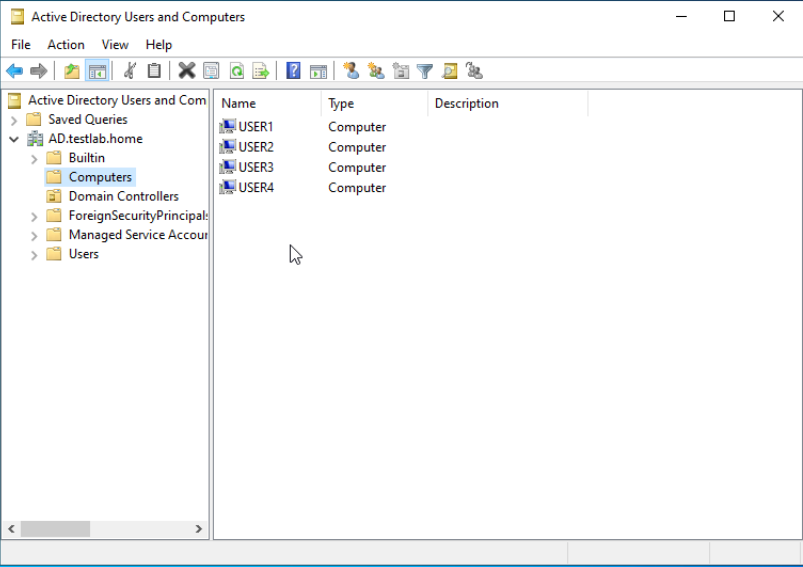
First, lets confirm we've successfully added the Employee VMs to the domain. Navigate to Windows Administrative Tools ---> Active Directory Users and Computers ---> your domain ---> Computers:
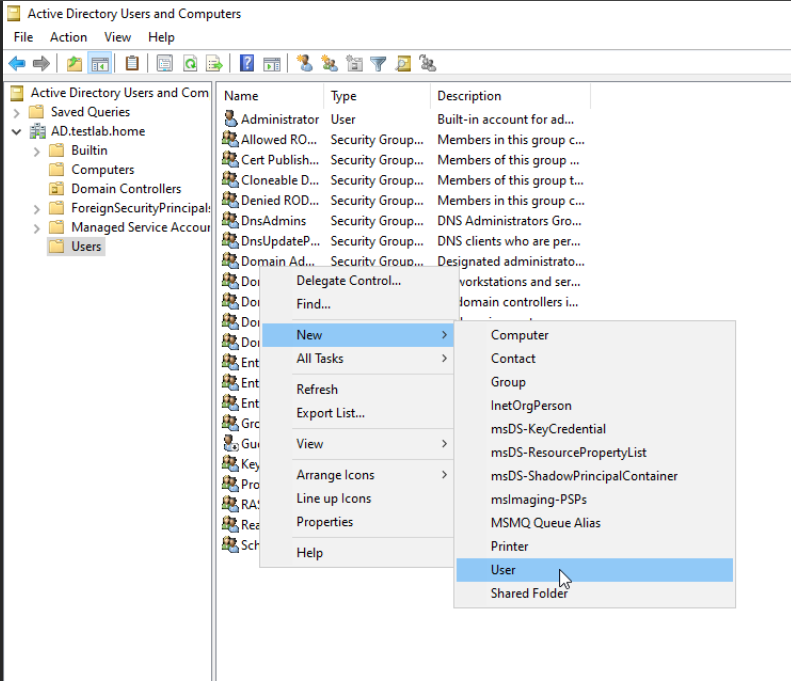
Create a User. I'll create 4 Users in the following manner:
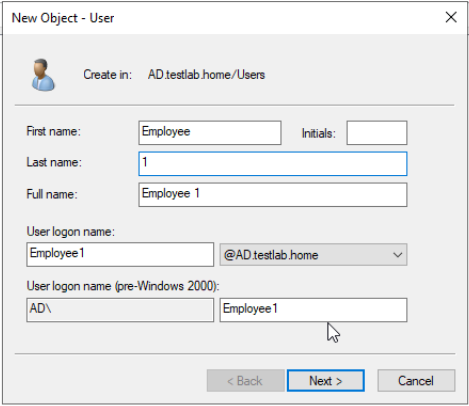
The following screen will ask you to make a password. Here, you can set initial password policies. These can be configured now, or changed later:
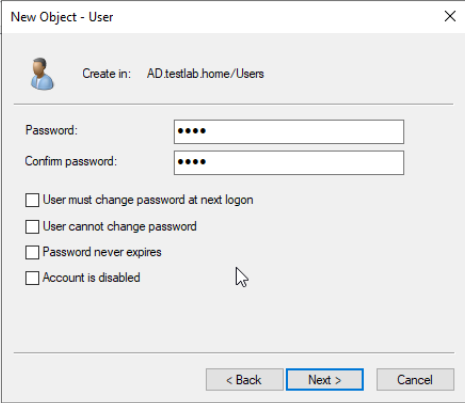
For simplicity, I'm going to keep the log in credentials as follows:
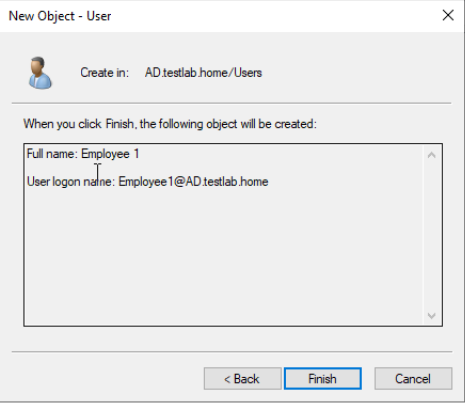
Your User Object will be created:
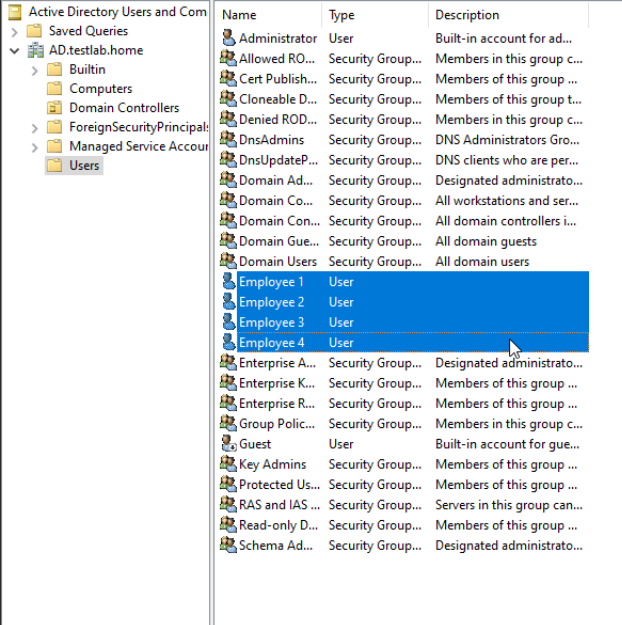
My 4 Users: